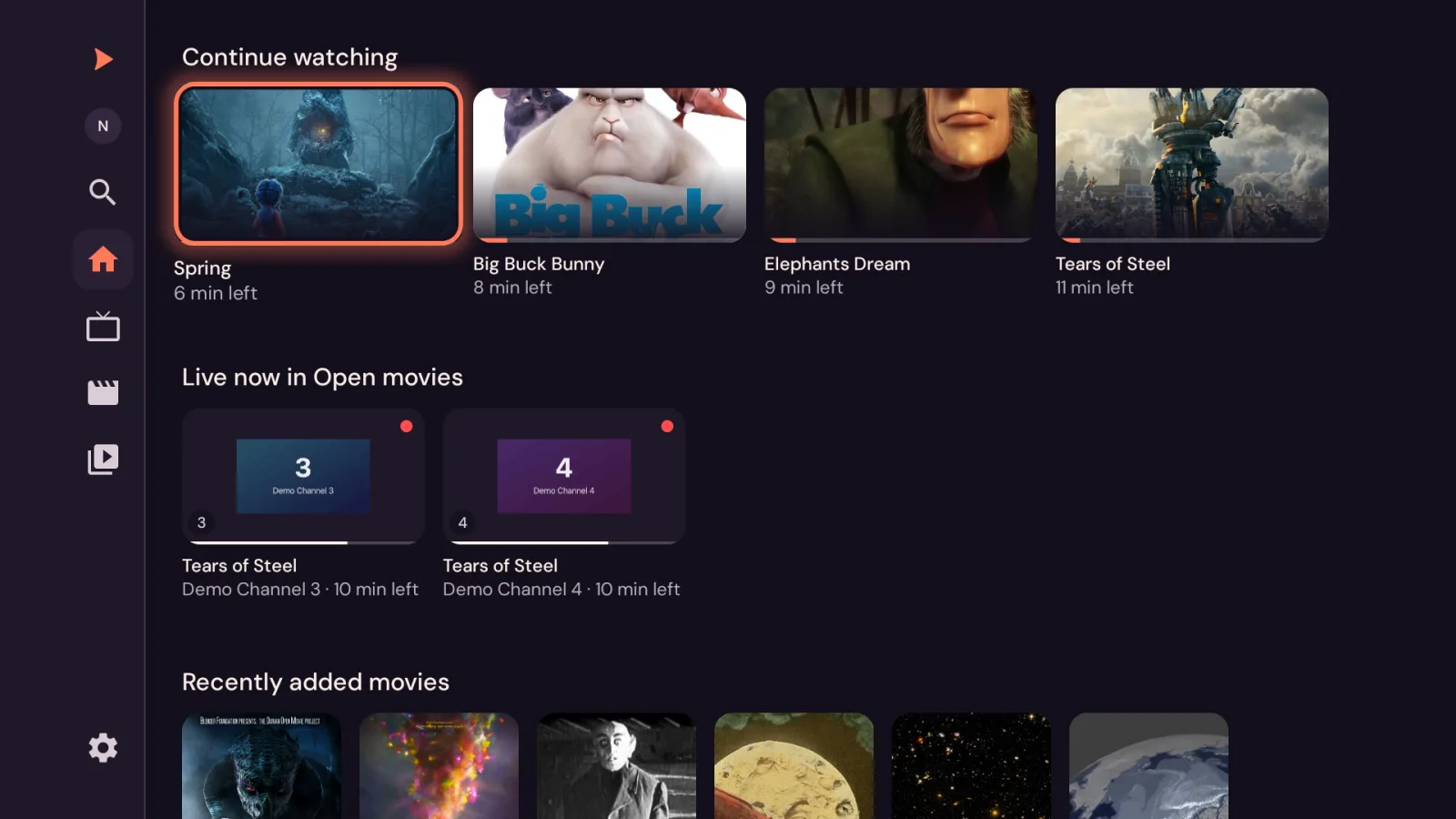
Continue watching, live channels and new arrivals, with artwork, ready the moment you open it.
Live TV
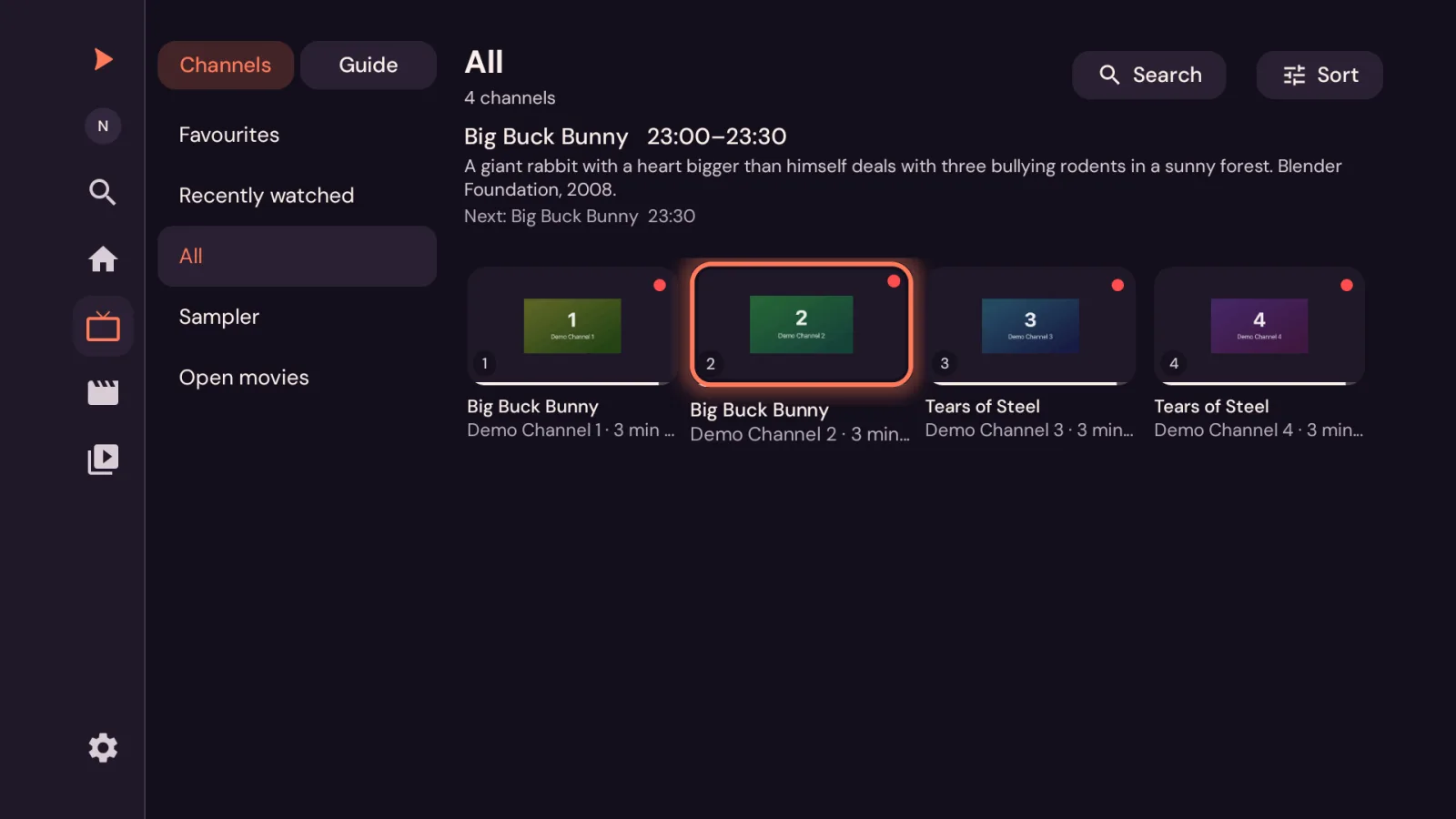
Live TV, neatly sorted.
Channels grouped your way, with what’s on now and next at a glance.
Movies and series
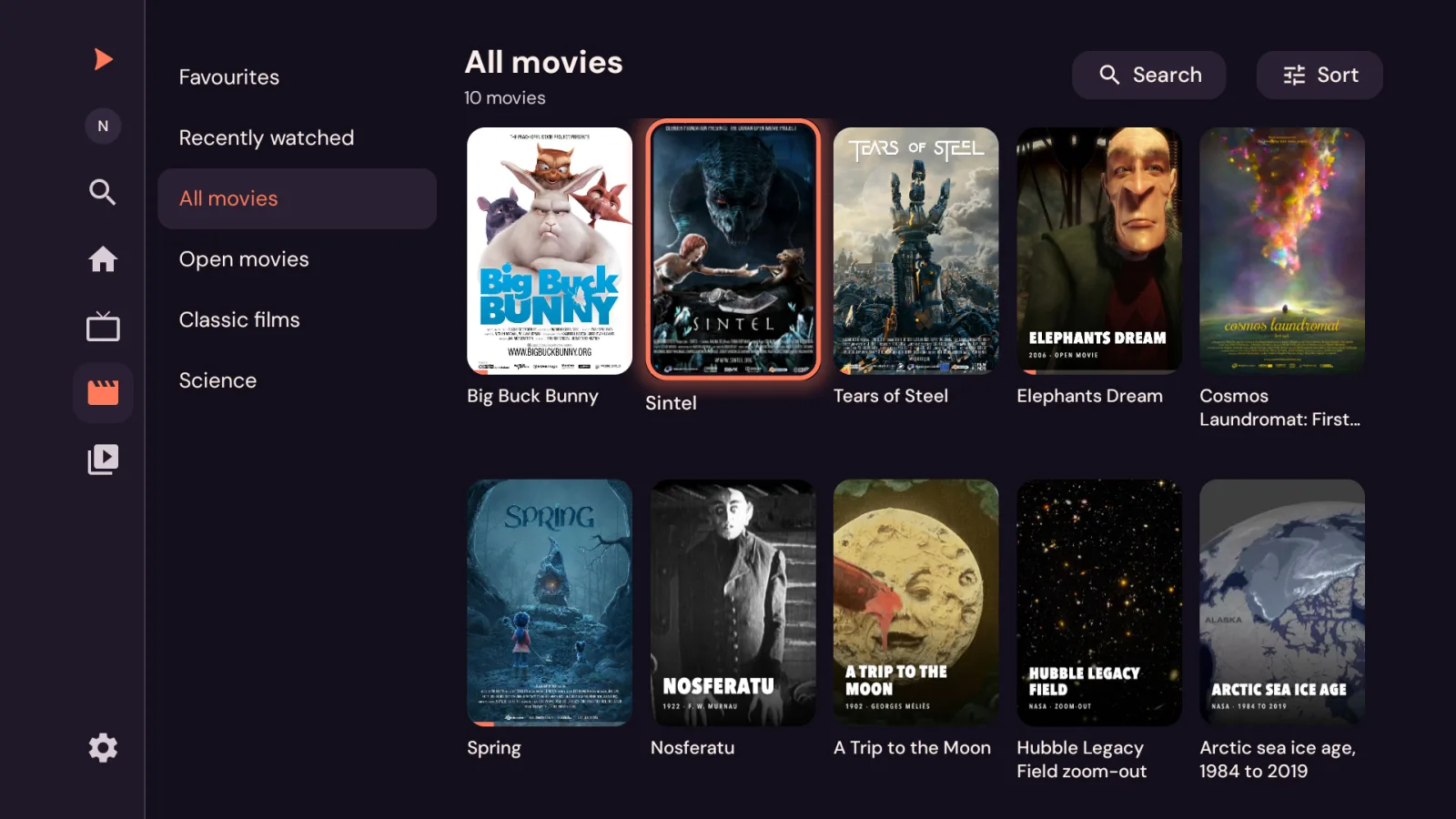
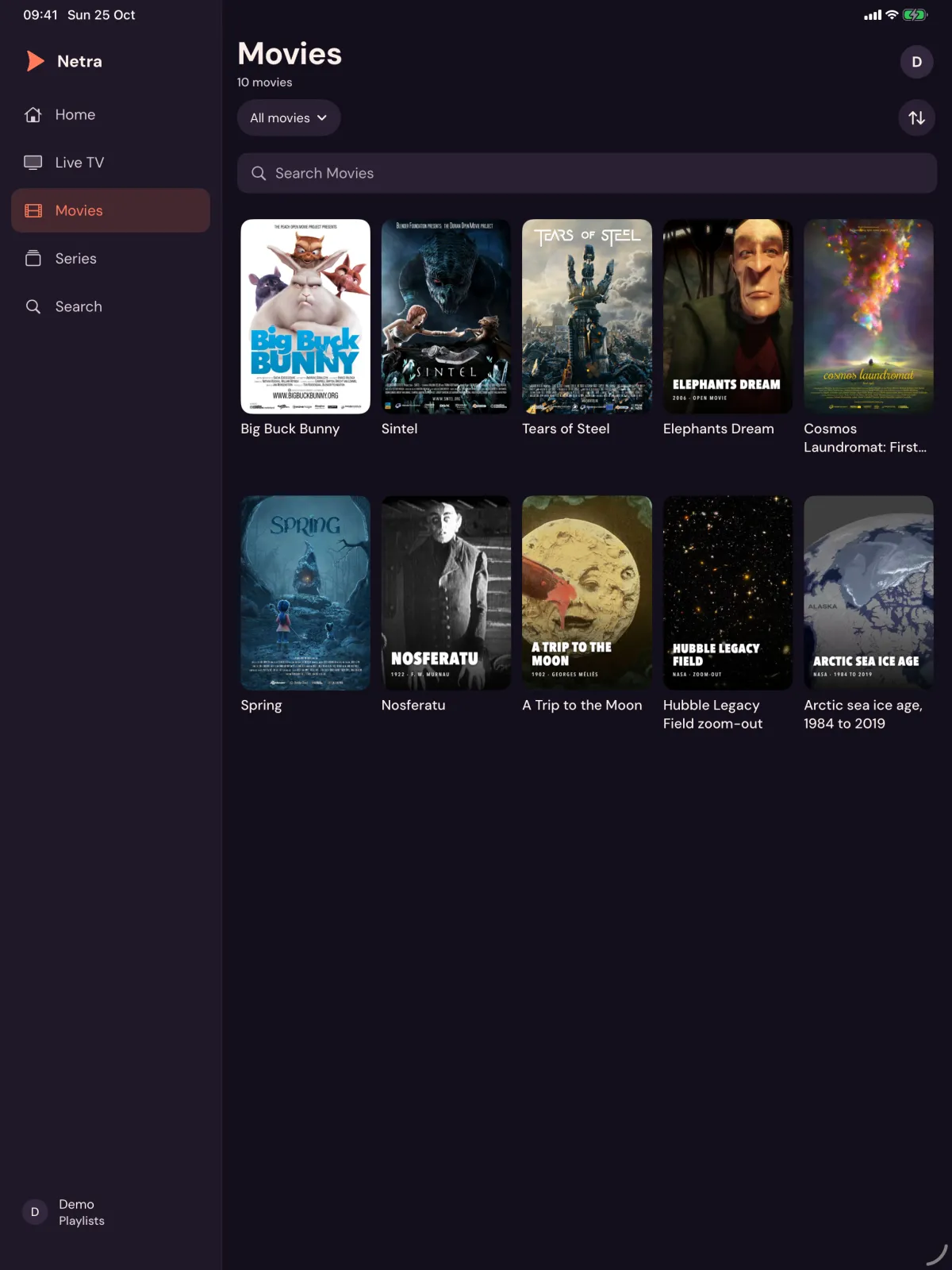
Your library, organised.
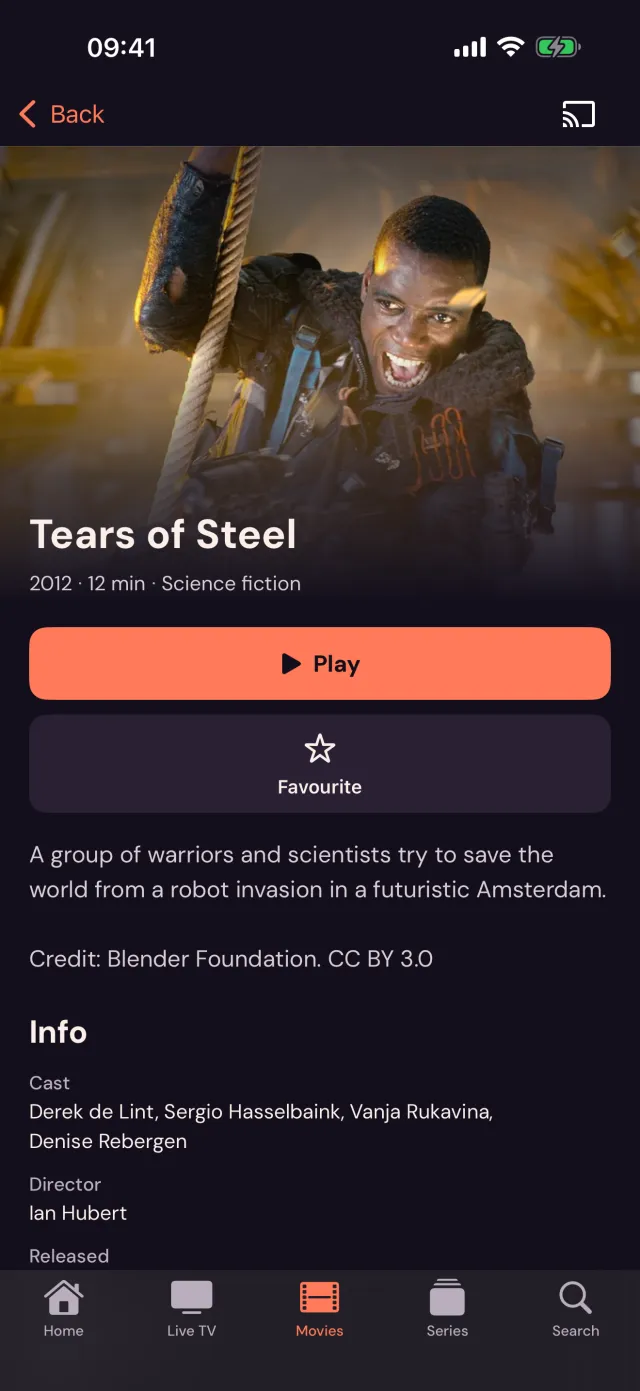
Artwork, details and favourites across every film and series you add.
Resume
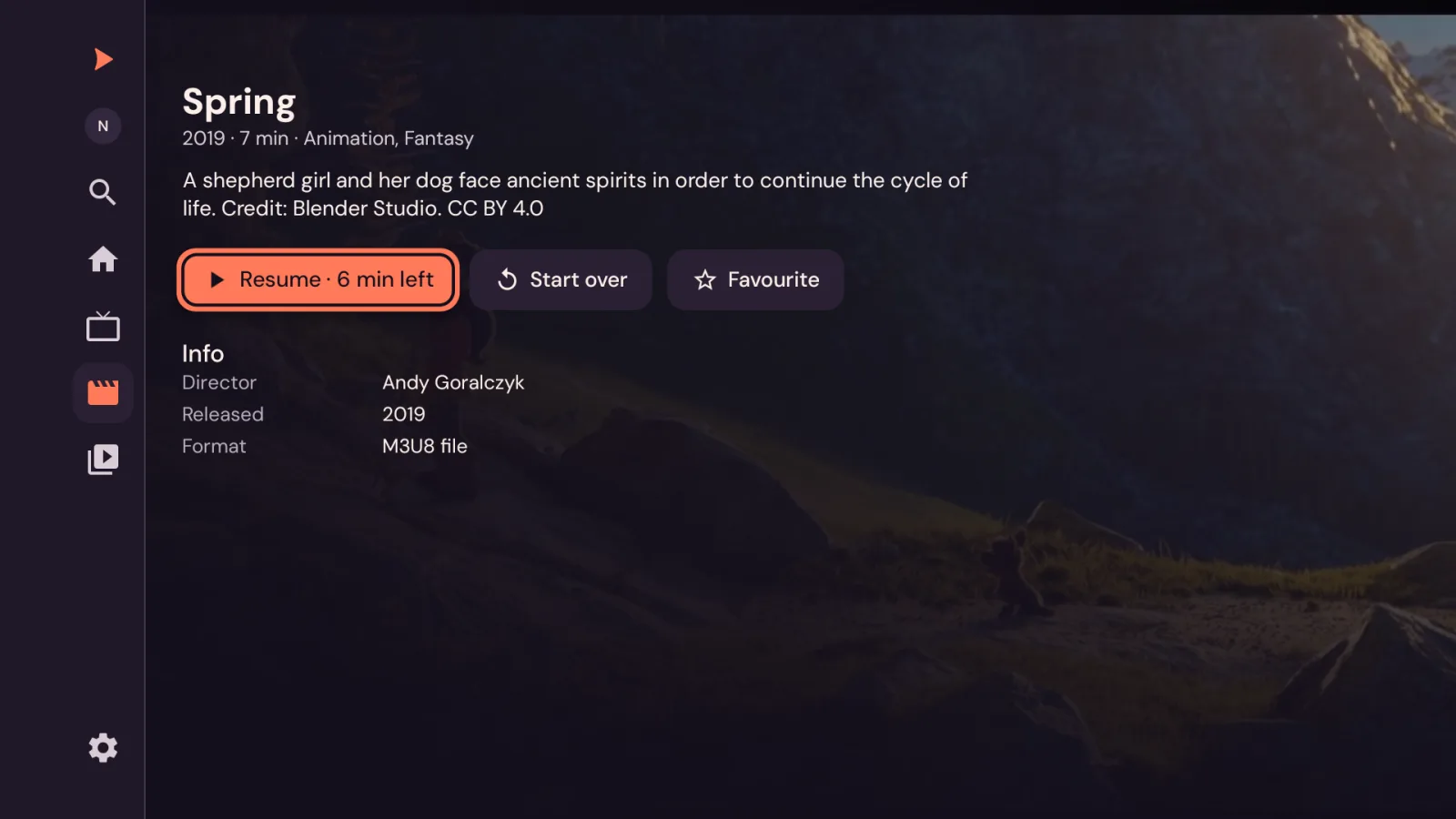
Picks up where you left off.
Every film and episode remembers its place, so you can carry on in a single press.
Player
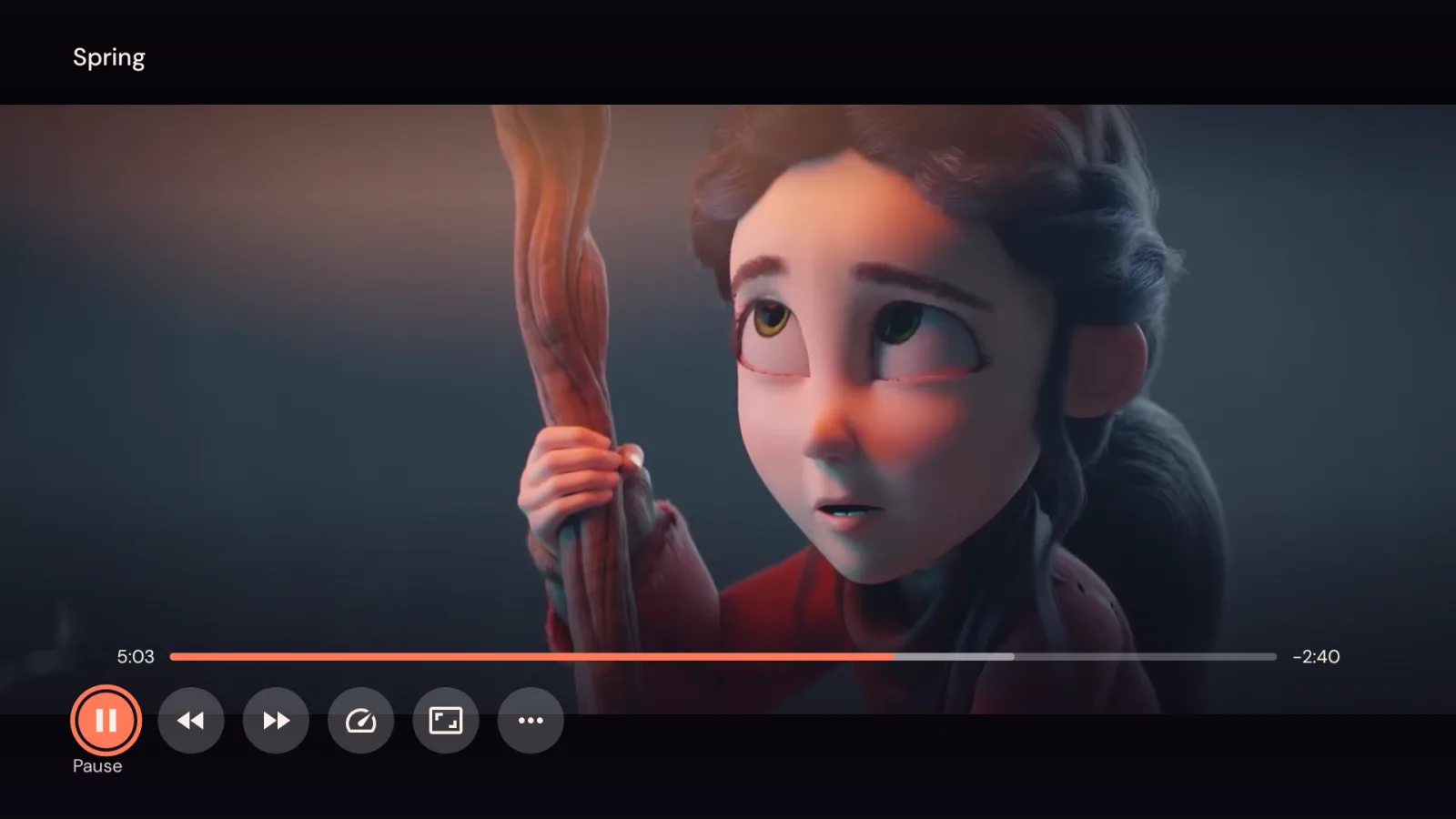
A player that gets out of the way.
Clean controls, quick seeking, and quality options for when a stream needs a hand.
Your playlists, made beautiful.
A free media player for phone, tablet and TV. Bring your own playlists, links and servers, and watch them with artwork, a real TV guide and resume everywhere.
Continue watching, live channels and new arrivals, with artwork, ready the moment you open it.
Live TV
Live TV, neatly sorted.
Channels grouped your way, with what’s on now and next at a glance.
Movies and series
Your library, organised.
Artwork, details and favourites across every film and series you add.
Resume
Picks up where you left off.
Every film and episode remembers its place, so you can carry on in a single press.
Player
A player that gets out of the way.
Clean controls, quick seeking, and quality options for when a stream needs a hand.
Built for the remote
Made for the sofa. Try it.
On a TV, Netra is a full remote-control app: big type, clear focus, and every screen a few presses away. This is the real Add a playlist screen. Drive it with the remote, or click the TV and use your arrow keys.
↑↓EnterEsc to go back
netra
Add a playlist
Choose where your video comes from.
Netra does not provide any content. Use it with media you own or are authorised to access.
Set up
Set up from your phone.
Typing a server address with a remote is nobody’s idea of fun. Scan the code on your TV and send a playlist from your phone instead.
On the TV, choose Receive from phone
Scan the code with your phone’s camera
Pick a playlist and press Send
Sent encrypted from one device to the other.
Receive from phone
Scan with your phone’s camera, or open netra.digital/p and type
HQYA-P5N8
Waiting for your phone…
Playlist added
“Living room” is ready to watch.
Send to a TV
Point your camera at the code on the TV.
Send a playlist
To: Living room TV
Living room
Film club
Kids
Send
Living room
TV guide
A real TV guide.
See what’s on now and next across your channels, then jump straight in. This one runs on your clock: drag it, hover it, or use your arrow keys.
·
Today
The guide appears when your playlist provides programme information.
Everywhere
Phone, tablet and TV.
Netra on the screens you already have: a touch layout in your hand, a full remote-control layout on the TV.
No account. No ads. No tracking.
Your playlists and logins stay on your device. There’s nothing to sign up for.
Bring your own
Stream links, M3U playlists, your own server, or files on your phone and tablet.
Cast to the big screen
Send what you’re watching from your phone to a Chromecast in a tap.
Free
No subscription and no in-app purchases. Just a good player.
Get Netra
On the screens you already have.
Netra is on its way to the stores. Store links appear here as each listing goes live.
Netra is a player. It plays the playlists, stream links, servers and files you add, and includes no channels or films of its own apart from a small demo library of open-licence films. Use it with media you own or are authorised to access.
Questions
Does Netra come with channels or films?
No. Netra is a media player. It works with the playlists, stream links, servers and files you add, and includes no content of its own apart from a small demo library of open-licence films.
What can I add?
A stream link (such as HLS or MP4), an M3U playlist from a web address, your own server with a server address, username and password, or files from your device on phone and tablet.
Typing on a TV is slow. Is there an easier way?
Yes. On your TV choose Receive from phone, then scan the QR code with your phone’s camera (or type the short code) and pick a playlist to send. It’s sent encrypted from one device to the other.
Do I need an account?
No. There’s no sign-up, no ads and no tracking. Your playlists and logins stay on your device. The privacy policy has the full details.
Why is the TV guide blank?
The guide appears only when your playlist provides programme information. Not every playlist does.
A channel or video won’t play. What can I do?
Try again, then try a different quality in the player menu. Playback depends on the stream and on the service that hosts it, and Netra may not be able to play every format. The support page has more help.
netra
Netra Media Player. Your playlists, made beautiful.